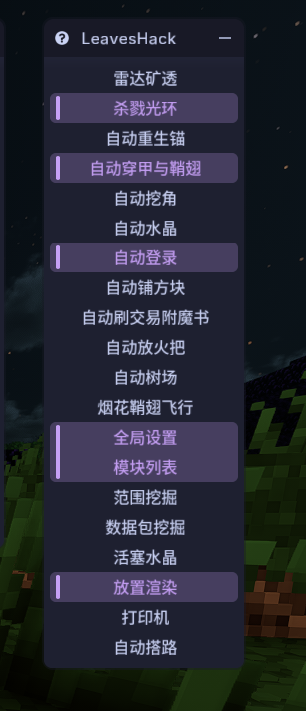
LeavesHack-Addon Translation Guide
2026-06-14
Download Mods
Modern UI (Fixes a bug where Meteor doesn't render Chinese text properly)
Mod Menu (Modern UI has a bug that prevents opening its menu, so you need this mod to open it)
Configure Modern UI
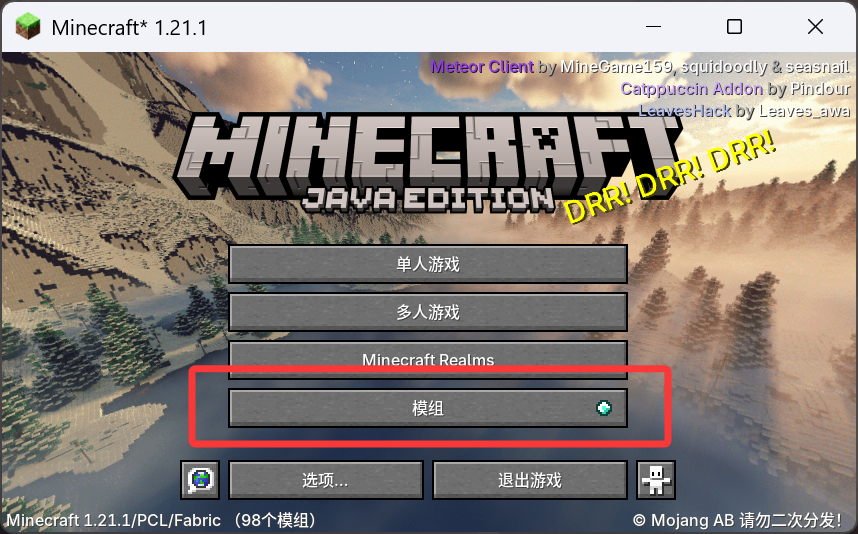
Find Modern UI and open it
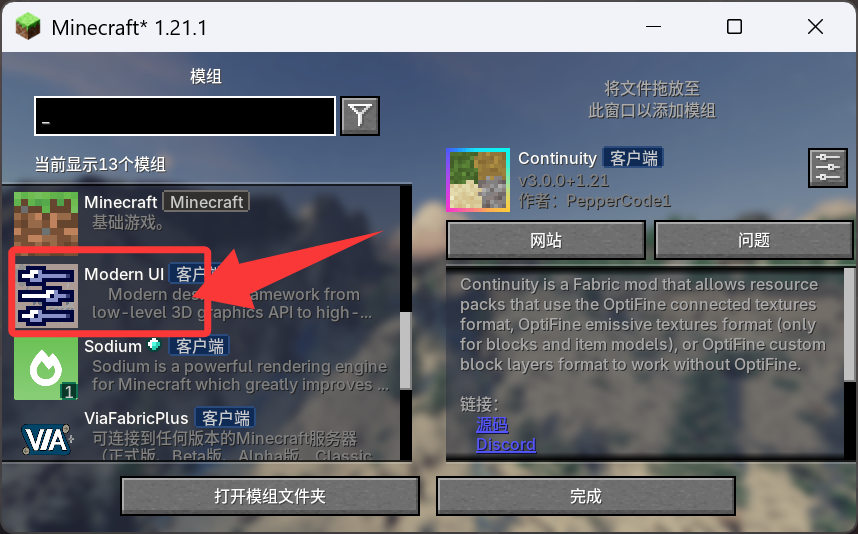
Configure as shown: enable the modern text engine, set font behavior to ignore all, and enable anti-aliasing (otherwise text will be blurry)
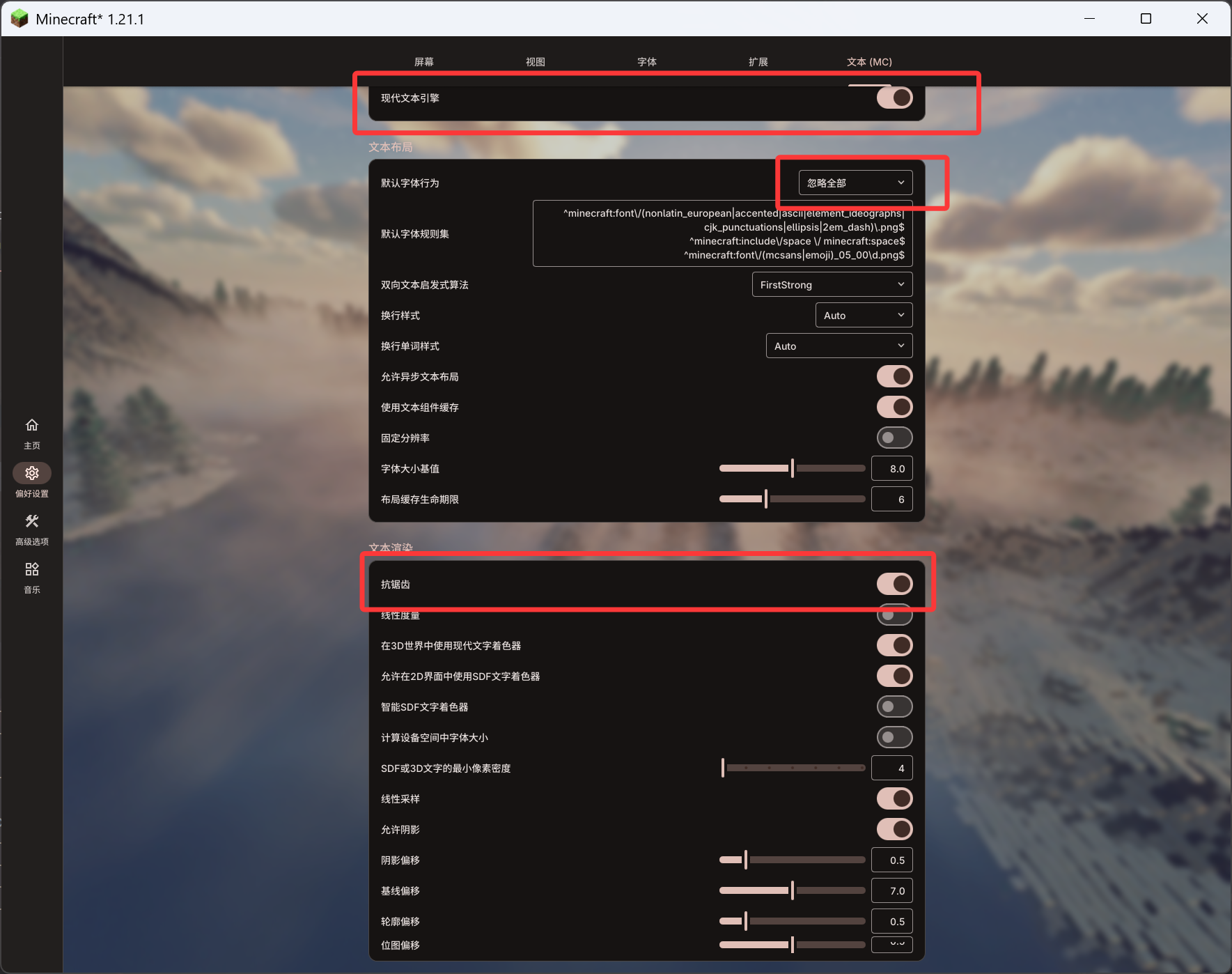
Modify Meteor Configuration
Disable Meteor's default custom font behavior (I have a beautification pack installed so it looks slightly different from the default Meteor UI, but the layout is the same)
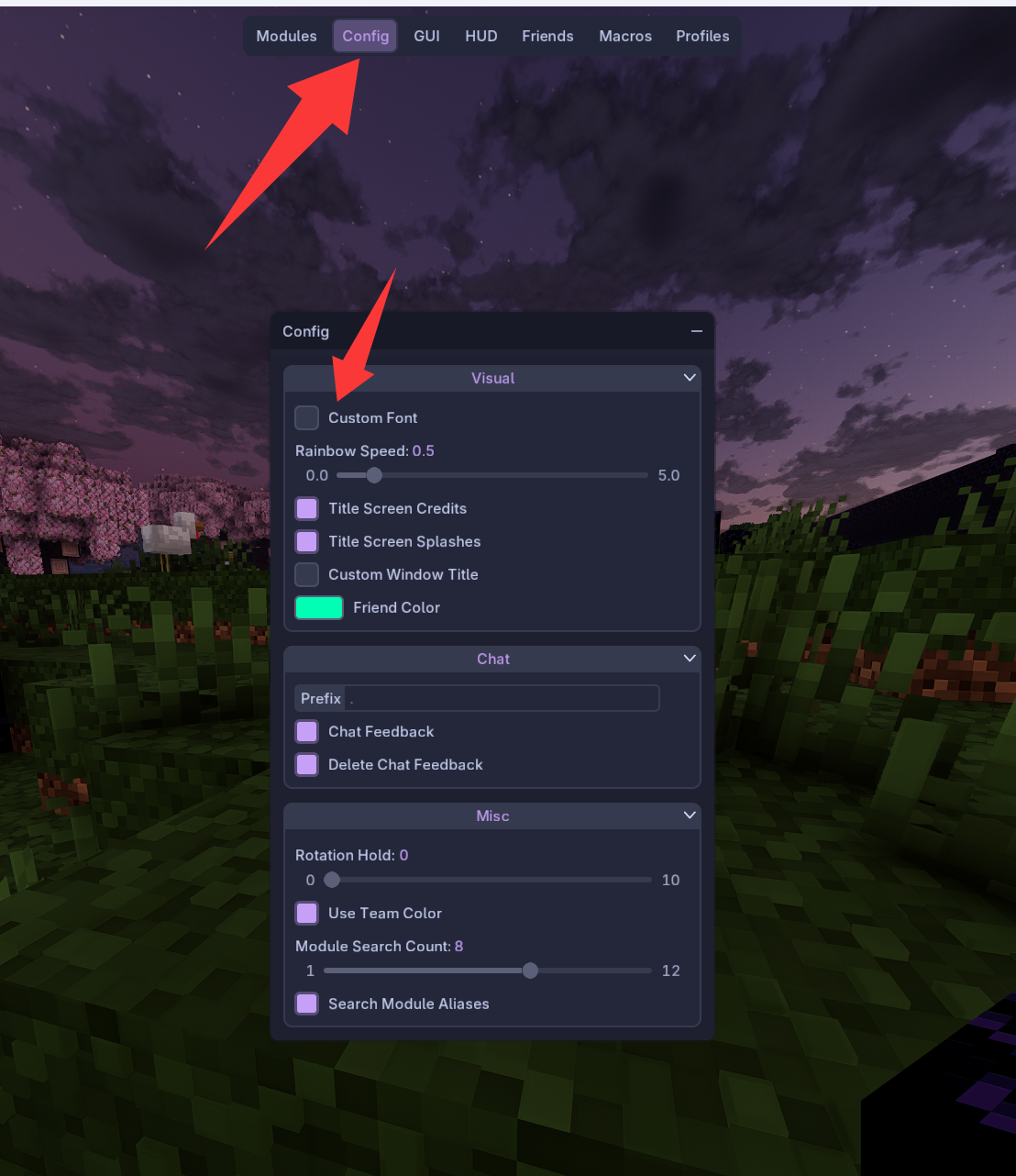
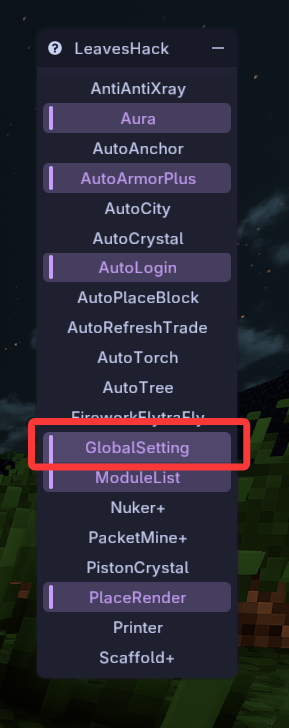
Enable LeavesHack Translation
Right-click GlobalSetting and enable Chinese
Result after translation: